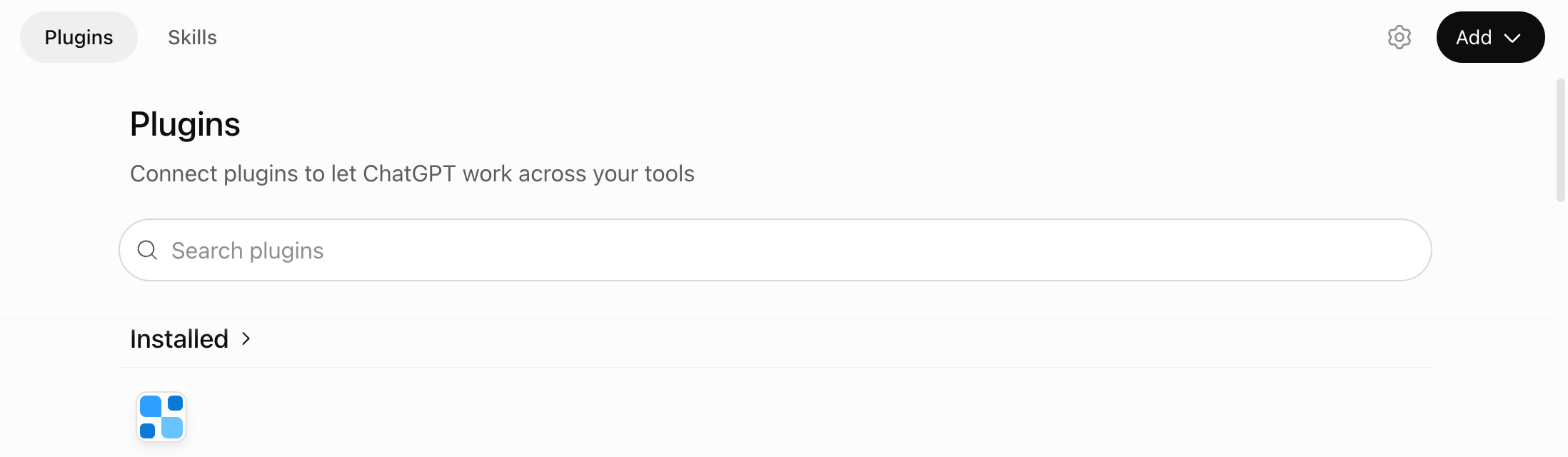
In a browser, on a computer or your phone, go to chatgpt.com/plugins and sign in to ChatGPT. The ChatGPT phone app can’t add plugins.
2
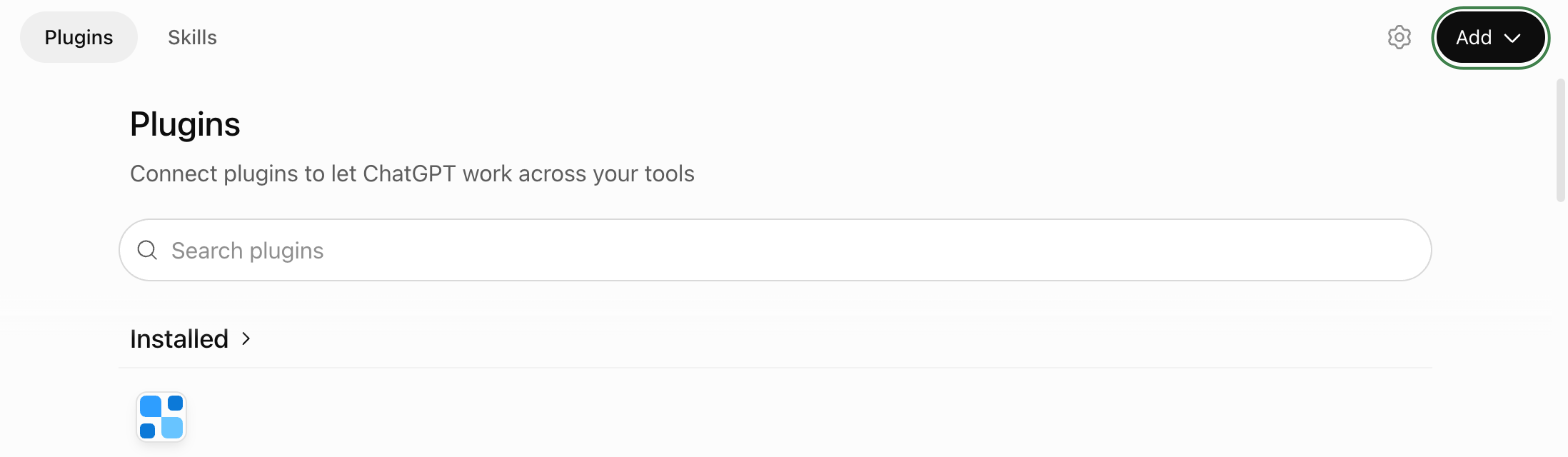
Click “Add”
It’s at the top right of the Plugins page.
3
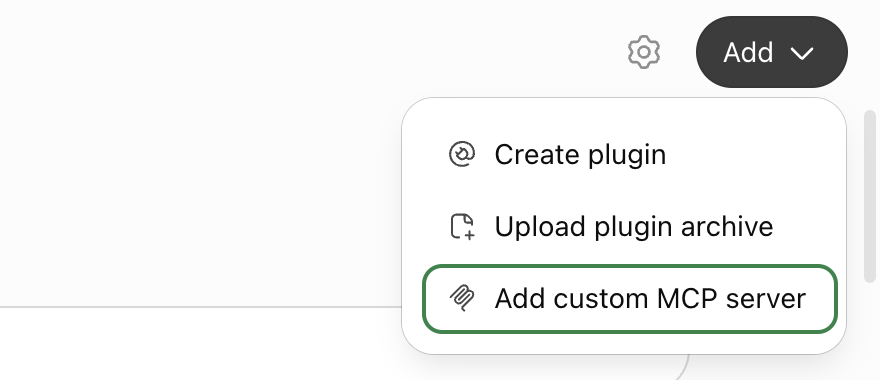
Choose “Add custom MCP server”
A form opens.
4
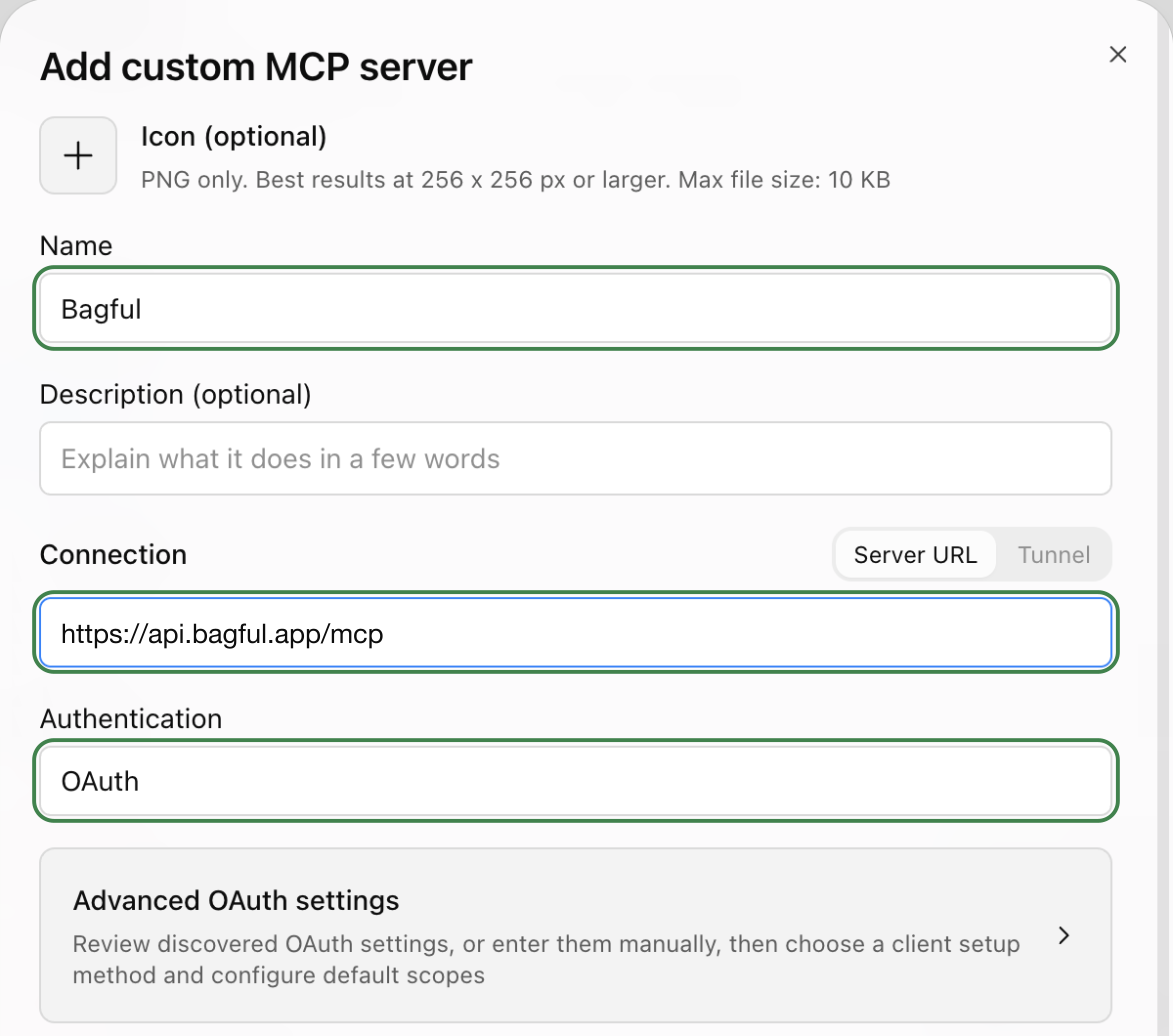
Fill in the form
Name: Bagful. Connection: paste the Bagful address from above. Authentication: OAuth, already chosen. The icon and description are optional; without an icon, ChatGPT shows a broken image next to @Bagful.
5
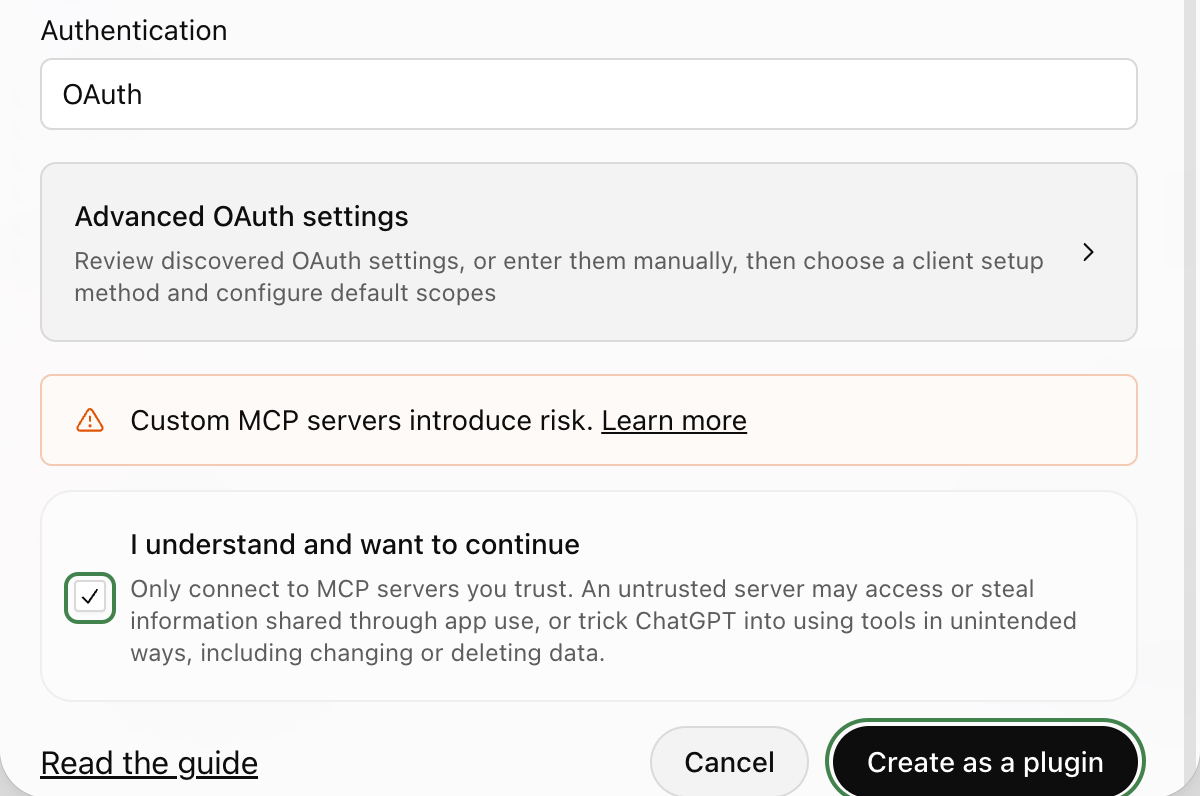
Tick the warning and create it
ChatGPT warns about every server it hasn’t reviewed. Tick “I understand and want to continue”, then click “Create as a plugin”.
6
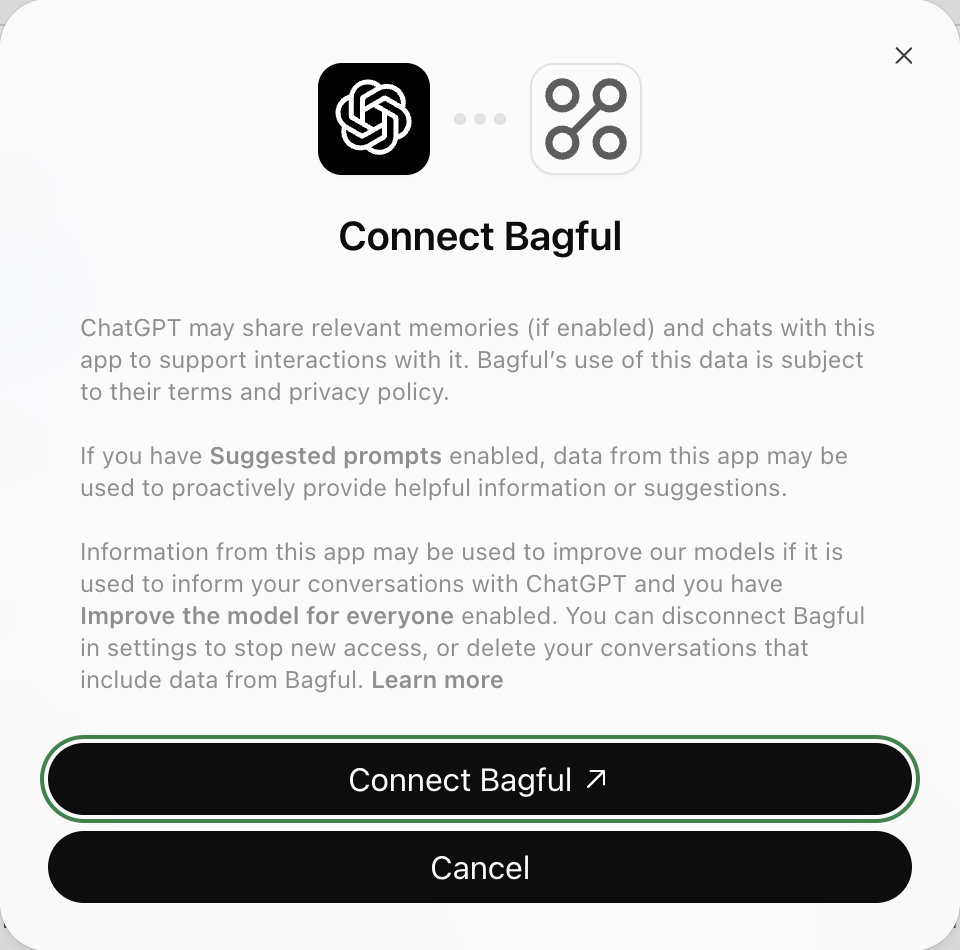
Click “Connect Bagful”
ChatGPT says what it shares with plugins. “Connect Bagful” takes you to Bagful.
7
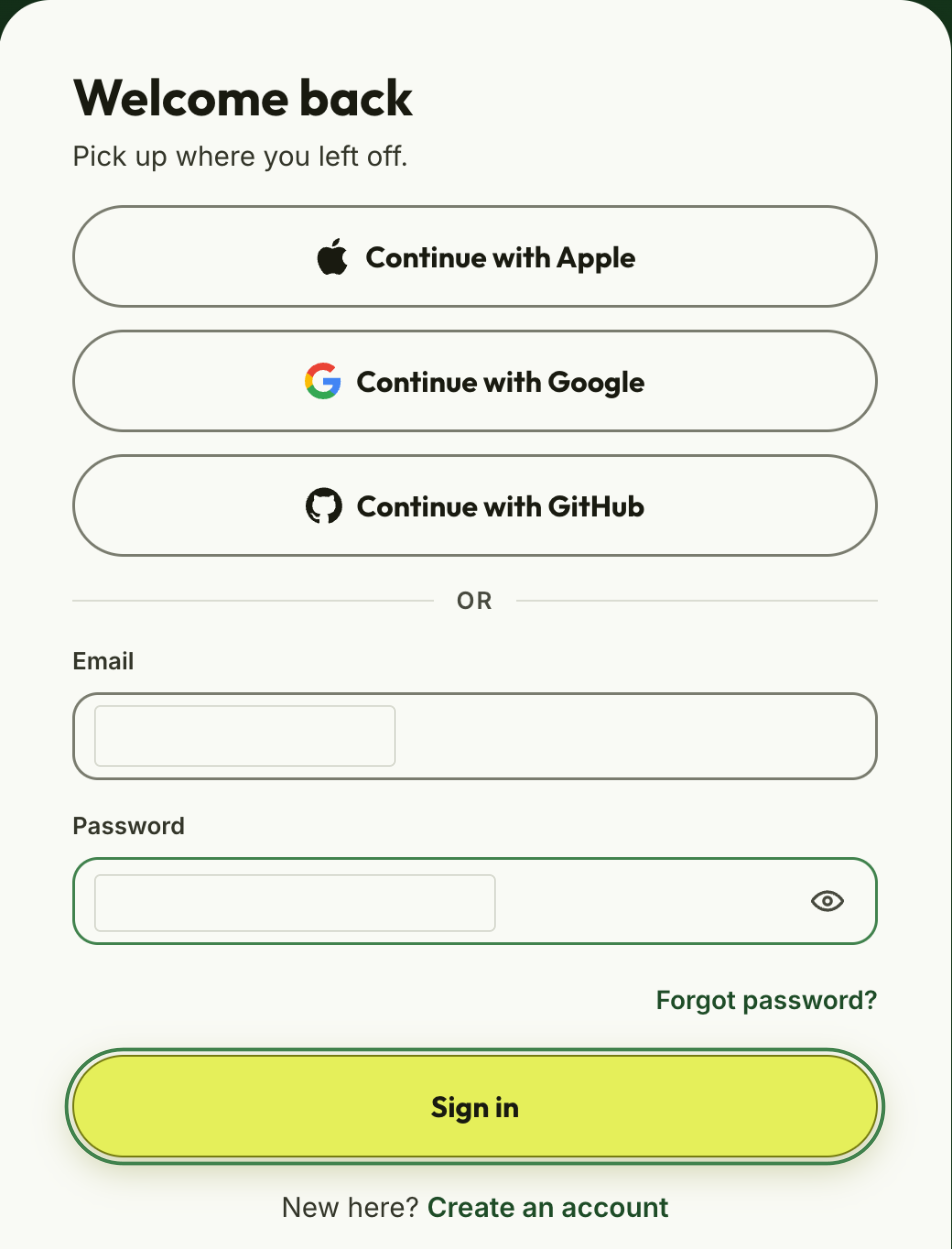
Sign in to Bagful
Use the account your bags are in. If you’re already signed in, Bagful skips this.
8
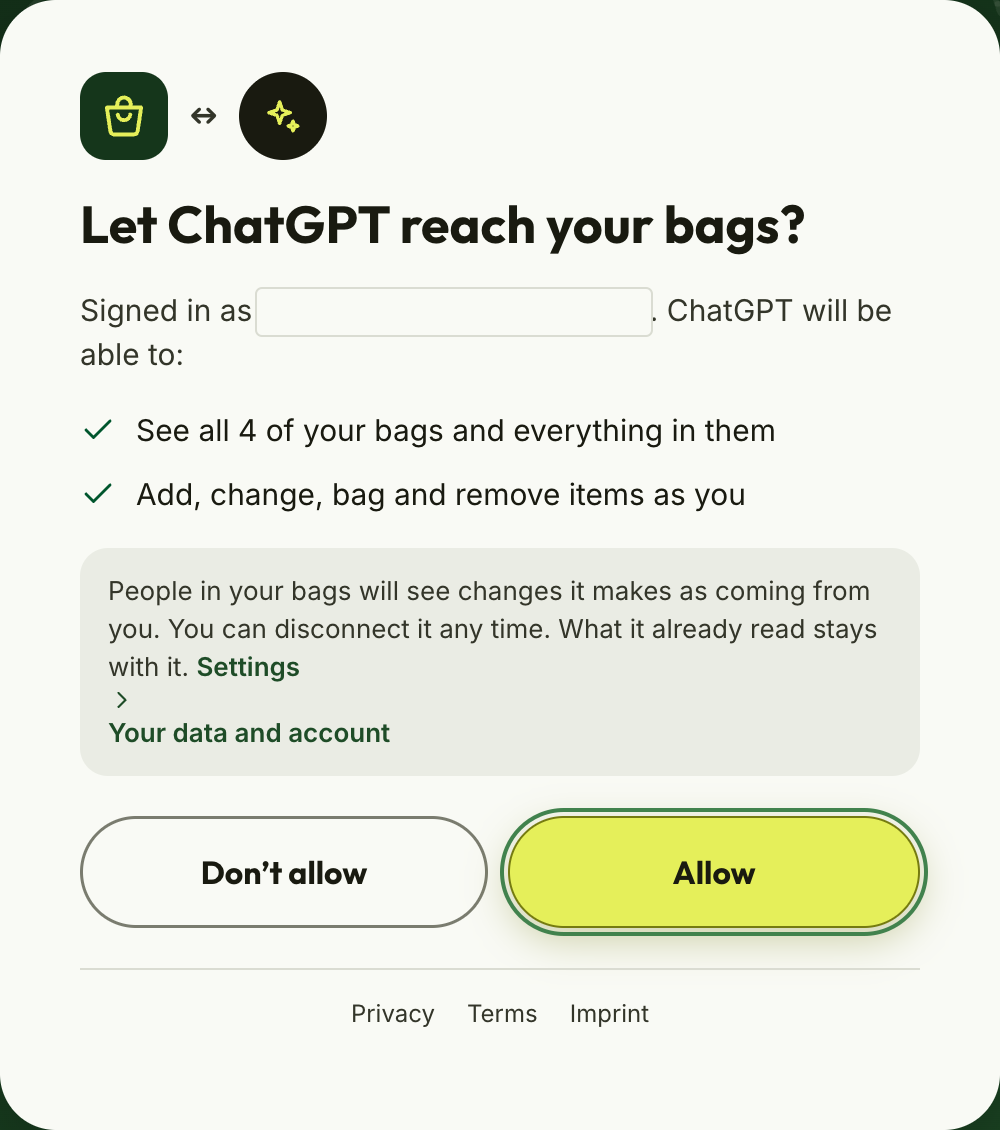
Click “Allow”
Bagful shows what ChatGPT will be able to do: see and change all your bags as you. You can disconnect it any time.
9
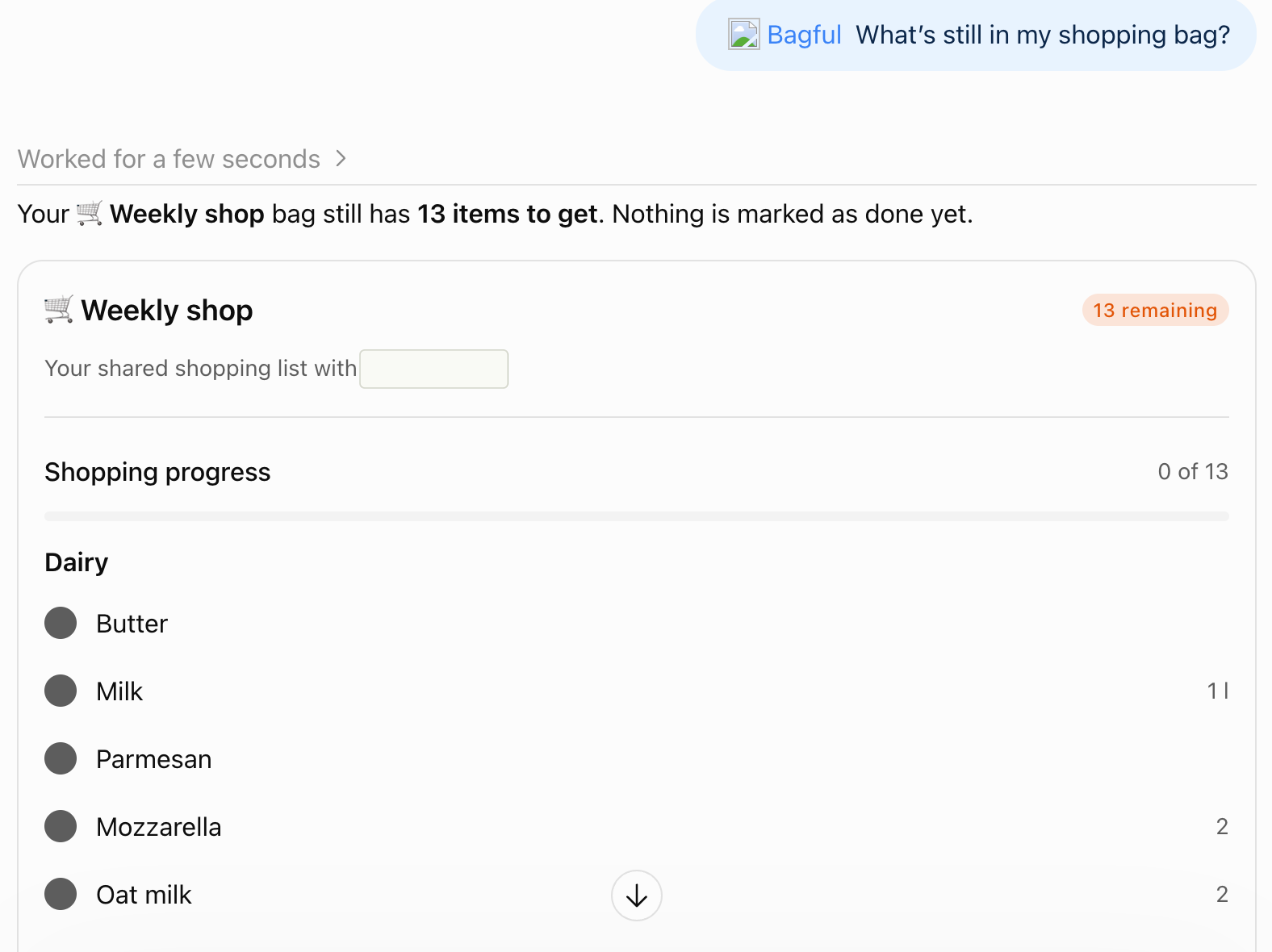
Try it with @Bagful
In a new chat, type @Bagful and ask: “What’s still in my shopping bag?”